Is It Safe to Upload My Raw DNA File?
Yes, there is a free tool that reads your 23andMe file without uploading it to a server: healthosx.com/dna reads it in your browser. How DNA tools differ (read in the browser, upload and delete, upload and keep), and how to check any of them yourself.
Yes, there is a free tool that reads your 23andMe file without uploading it to a server: healthosx.com/dna reads the file with JavaScript in your browser, and the file is not uploaded to show your DNA story or your report. Your DNA story needs no account; the full report opens in the HealthOS app after a 6-digit code sent to your email. Only two optional steps send anything, and only if you choose them: ancestry sends a list of markers to HealthOS's server in Germany, and Ask your DNA can store your file, encrypted and deletable.
More generally, whether it's safe to upload your raw DNA file depends on where the file goes. DNA tools work in one of three ways: they read it in your browser (the file stays on your device), they upload it and delete it after analysis, or they upload it and keep it (which relative matching requires). The browser-only kind is the safest, and you can check the claim yourself in about a minute.
Why a DNA file is different from other data
- You can't change it. A leaked password gets reset. A leaked genome is leaked for life.
- It isn't only yours. Your file says a lot about your parents, siblings and children, none of whom agreed to share it.
- Anonymity doesn't hold. Researchers have shown that genomes can be re-identified by combining genealogy databases with public records.
- Breaches happen. In 2023, attackers accessed data on about 6.9 million 23andMe customers through reused passwords and the relative-matching feature.
None of that means never use your file. It means knowing which of the three kinds of tool you're handing it to.
| How it works | Where your file goes | Typical examples | What you are trusting |
|---|---|---|---|
| Read in your browser | Nowhere — it stays on your device | HealthOS /dna report, GenomeInsight, Genes Unveiled | Code you can inspect in the Network tab |
| Upload, analyse, delete | A server, briefly | Ancestry on /dna (markers only), several paid report services | A deletion policy |
| Upload and keep | Stored in an account | GEDmatch, MyHeritage, FamilyTreeDNA, subscription health services, Ask your DNA if you opt in | The company’s security, policies, and what happens if it is sold |
Scroll the table sideways for the rest →
The question to ask any tool is not “is it safe” but “where does my file go”.
Type 1: read in your browser
The file is opened by JavaScript on the page and never sent anywhere. This is possible because most findings are lookups over a list of known positions, and your own computer can do that.
- Examples: the HealthOS reader on /dna. GenomeInsight and Genes Unveiled also say they analyse in the browser, and DNAnalyzer is a free, open-source project that reads files on your device. Promethease, by contrast, works from an uploaded file.
- Risk: close to none for the file itself. You're trusting the page's code, which you can check (below).
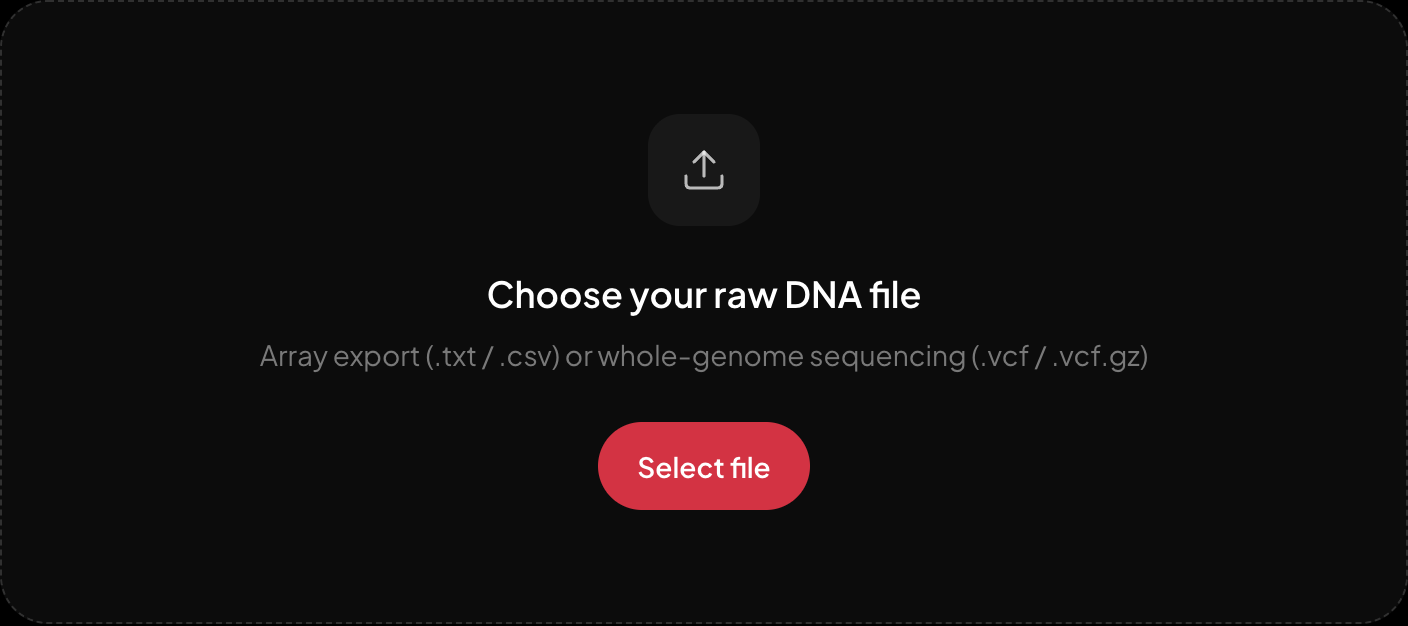
Choosing a file. The report is read on your own device.
Choosing a file on /dna. Your file is not uploaded to produce the report, and the Network tab will show you that.
Type 2: upload, analyse, delete
Some analysis genuinely needs a server. Ancestry needs gigabytes of reference genomes, for example. Good tools upload only what they need and delete it afterwards.
- Examples: several paid report services say they delete files after analysis.
- Risk: low, if the deletion promise is kept. You're trusting a policy rather than physics.
Type 3: upload and keep
Relative matching can't work any other way, because your file has to sit in the database for others to match against. Subscription health services usually keep your file so they can add reports later.
- Examples: GEDmatch, MyHeritage and FamilyTreeDNA uploads; most subscription health services; the optional ancestry analysis on /dna, which sends only the markers it needs and keeps them with your result until you delete them; and Ask your DNA on /dna if you choose to store your file (encrypted, deletable any time).
- Risk: depends on the company, its security and its policies. Read the policy, especially the parts on law enforcement and on what happens if the company is sold. 23andMe's bankruptcy showed why that clause matters.
How to check a "nothing is uploaded" claim yourself
- 1.Open the tool's page on a computer.
- 2.Open your browser's developer tools (F12, or right-click and choose Inspect) and go to the Network tab.
- 3.Choose your DNA file and let the report run.
- 4.Look at the requests. A tool that uploads your file shows a large outgoing request — megabytes — at that moment. A browser-only tool shows none.
It takes a minute and it works on any tool, including ours. A claim you can verify is worth more than a promise you can't.
A sensible routine
- Use browser-only tools for anything that doesn't need a server.
- Use upload tools for what genuinely needs one (matching, ancestry), and read the deletion policy first.
- Use a strong, unique password and two-factor login wherever your genome is stored.
- Delete accounts you no longer use, after downloading your data.
Read your file without handing it over. The free report runs in your browser: healthosx.com/dna
New to raw DNA files? Start with the full guide: How to Download & Analyze Your 23andMe Raw Data Free
Common questions
- Is there a free tool that reads my 23andMe file without uploading it to a server?
- Yes. healthosx.com/dna reads your 23andMe file with JavaScript in your browser, and the file is never sent to produce your findings. It is free, and your DNA story needs no account. To open the full report in the HealthOS app you enter your email and a 6-digit code: the report travels to your account, the file stays on your device. Two options send data only if you choose them: ancestry sends a list of markers to HealthOS in Germany, and Ask your DNA stores your file, encrypted and deletable.
- Which DNA tools keep my file?
- Relative-matching sites such as GEDmatch, MyHeritage and FamilyTreeDNA keep it, because others have to be matched against it. Most subscription health services keep it too, so they can add reports later.
- How can I check that a DNA tool really works in my browser?
- Open your browser’s developer tools, go to the Network tab and choose your file. A tool that reads it locally sends nothing the size of your file.
- Which other DNA tools read the file without uploading it?
- GenomeInsight and Genes Unveiled say they analyse in the browser. DNAnalyzer is a free, open-source project that reads files on your device. Promethease works the other way: you upload the file and it builds a dense report linked to SNPedia, paid per report.
- What can a no-upload reader show: pharmacogenomics, carrier status, polygenic scores?
- On healthosx.com/dna the browser read covers pharmacogenomics genes (CYP2C19, CYP2C9, VKORC1, SLCO1B1, TPMT, DPYD), a few well-validated carrier status variants such as GBA, inherited risk factors and traits. Polygenic scores come from Ask your DNA, which answers from the whole file only if you choose to store it (encrypted, deletable any time).
No raw DNA file yet?
Get a HealthOS DNA Kit: spit in a tube at home, and your ancestry, lineages and traits arrive in your HealthOS account, with the raw file.
See the DNA kitWritten by
HealthOS Research