Why 23andMe and AncestryDNA Show Different Alleles for the Same SNP
Different alleles for the same rsID are usually a strand orientation issue, not a DNA mistake. Learn reverse complements and how to harmonise only the flipped SNPs before acting on a report.
If 23andMe and AncestryDNA show different alleles for the same rsID, the most common reason is strand orientation. When one file reports one strand of your DNA and the other reports the opposite strand, the letters are reverse complements. This is a file formatting convention, not a mistake in your DNA.
Why do 23andMe and AncestryDNA show different alleles for the same SNP?
DNA is double-stranded. The reference genome is written as one strand, called the plus or forward strand. If a SNP on the plus strand has an A, the opposite strand at that same position has a T. If it has a G, the opposite strand has a C.
23andMe raw files report alleles on the reference plus strand. AncestryDNA raw files report alleles on the Illumina TOP strand, which is chosen by probe design and is not always the reference plus strand. A genotyping probe may physically target either strand, but the file still reports the intended convention. So the letters in a raw file are not always the base the chip physically saw.
So when 23andMe reports A for an rsID and AncestryDNA reports T for that same rsID, they are not disagreeing about your DNA. They are describing the same base pair from opposite sides. For some SNPs, depending on the probe and array design, AncestryDNA's TOP strand is the opposite of 23andMe's reference plus strand.
A difference that follows A<->T or C<->G is the same base pair reported from the opposite strand, not a different genotype.
This is a known property of raw DNA files. It does not mean one file is corrupted or that one company made a call on the wrong base.
How to spot a strand flip in your raw file
The simplest test is to apply the reverse complement rule and see if the letters match.
| Call in one file | Expected in the other if flipped |
|---|---|
| A | T |
| T | A |
| C | G |
| G | C |
Use this for a suspected strand flip. Reverse complement means swapping A with T and C with G.
If one file says A and the other says T, that is consistent. If one says C and the other says G, that is also consistent. For example, a file row may show rs7412 ... C C while another shows rs7412 ... G G. That is a strand flip pattern for a homozygous call, not a conflict.
- A homozygous A/A in one file can appear as T/T in the other.
- A heterozygous A/G in one file can appear as T/C in the other.
- The order of the two letters does not usually matter.
A/GandG/Aare the same unordered genotype.
If the letters differ in a way that is not an A/T or C/G complement, that is when you should look for a different cause.
A/T and G/C SNPs are the messy ones
Some SNPs have alleles that are complements of each other, like A/T or G/C. These are sometimes called palindromic SNPs. The reverse complement rule still applies, but a heterozygous call can hide the strand difference. An A/T heterozygote is A/T on both strands. A homozygous A/A does flip to T/T, so the flip is visible for homozygotes.
This creates a practical problem when a study or clinical report says 'each A allele increases risk'. The raw letters usually show that a SNP is A/T or G/C. The unknown is which strand the research effect allele uses. If the report used the plus strand and your file used the opposite strand, your T/T might represent the same genotype as the report's A/A. The fix is to find the effect allele in the paper or tool and harmonise your file to that strand.
Do I need to convert my file, and when?
You do not need to convert a file just to read your own genotype. Conversion matters when you compare two sources that assume different orientations.
- Comparing two raw files: do not convert the whole file blindly. Identify the SNPs that are strand-flipped or have a known allele-coding difference, then convert only those SNPs to the same strand convention.
- Reading a research finding: align to the effect allele named in the study, not just to a letter.
- Using a third-party report: most tools handle strand, but cheap or old tools may not. If a result looks backwards, strand is the first thing to check.
- Merging files from multiple companies: harmonise only the mismatching or known flipped SNPs before running an analysis. Blindly converting all SNPs can turn one company's A into the other's T and create false mismatches.
If the letters are not complements, look at the genome build. 23andMe and AncestryDNA have used different builds over the years, and a coordinate shift can put an rsID in the wrong place when files are mixed carelessly.
A concrete harmonisation example with an effect allele
Before you act on a research finding, convert only the SNP you are interpreting, and only if the strand is flipped or the allele coding is known to differ.
Example: a study reports that each C allele at rs123 on the plus strand is associated with a trait. Your raw file shows G/G at rs123. G is the reverse complement of C, so your file is reporting the opposite strand. Harmonise that SNP only: G/G becomes C/C. You now have two effect alleles. If you had used the unflipped G/G, you would have counted zero C alleles and reached the opposite conclusion.
What the difference does not mean
Different letters for the same rsID do not mean you got a different DNA result. They are both reporting the same molecule. It also does not mean your DNA changed between companies. This is a reporting convention, not a biological difference.
There are real limits. A/T and G/C SNPs can remain ambiguous without strand information. A small number of calls in any raw file will be wrong or missing because of probe failure or low signal. And not every rsID is present on every chip, so absence in one file is not a contradiction.
If a result genuinely matters to you, the practical step is to confirm the strand and effect allele before acting on it. Worth asking a doctor or genetic counsellor about if it affects a medical decision.
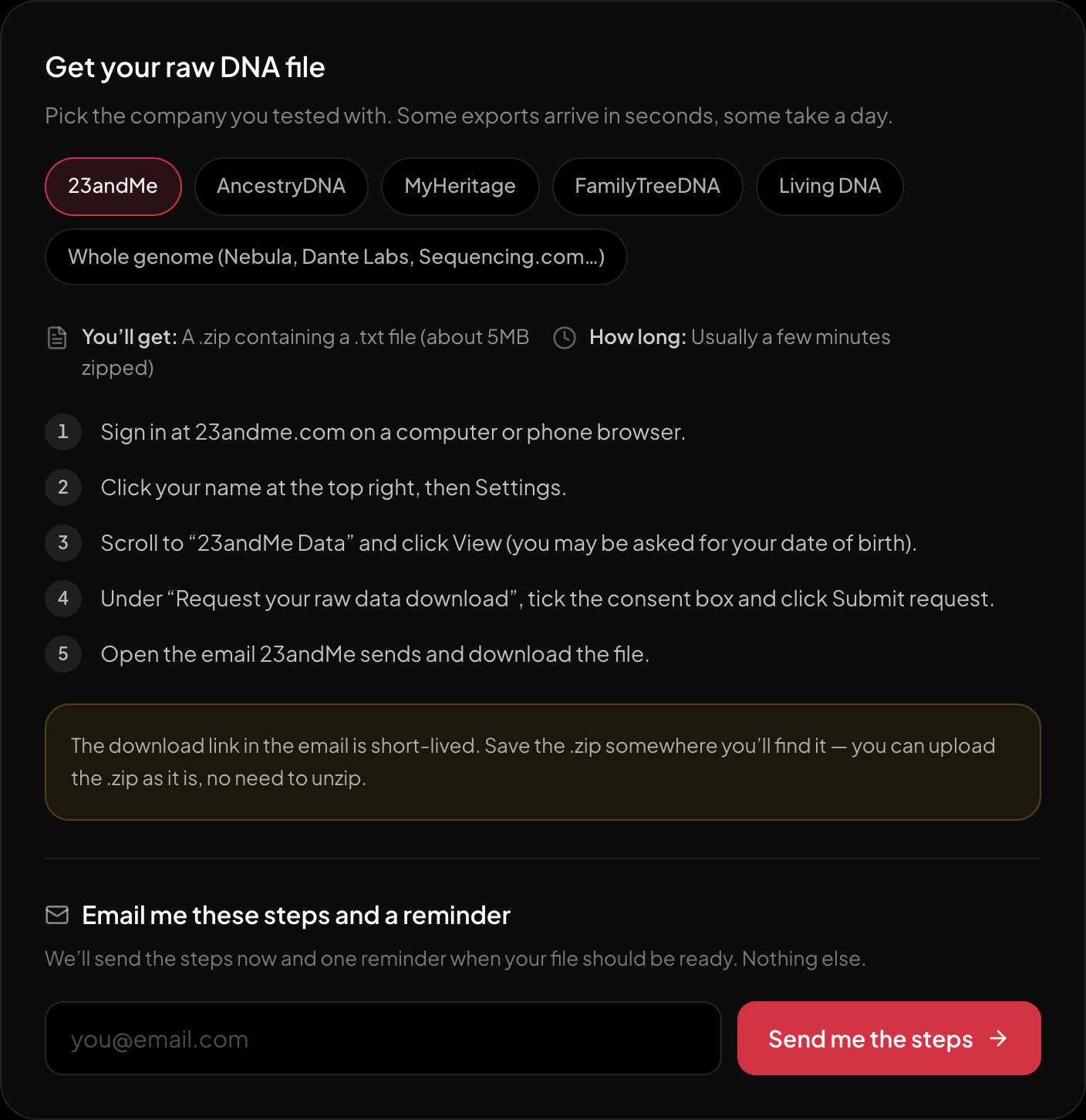
The download steps for 23andMe, on the page itself.
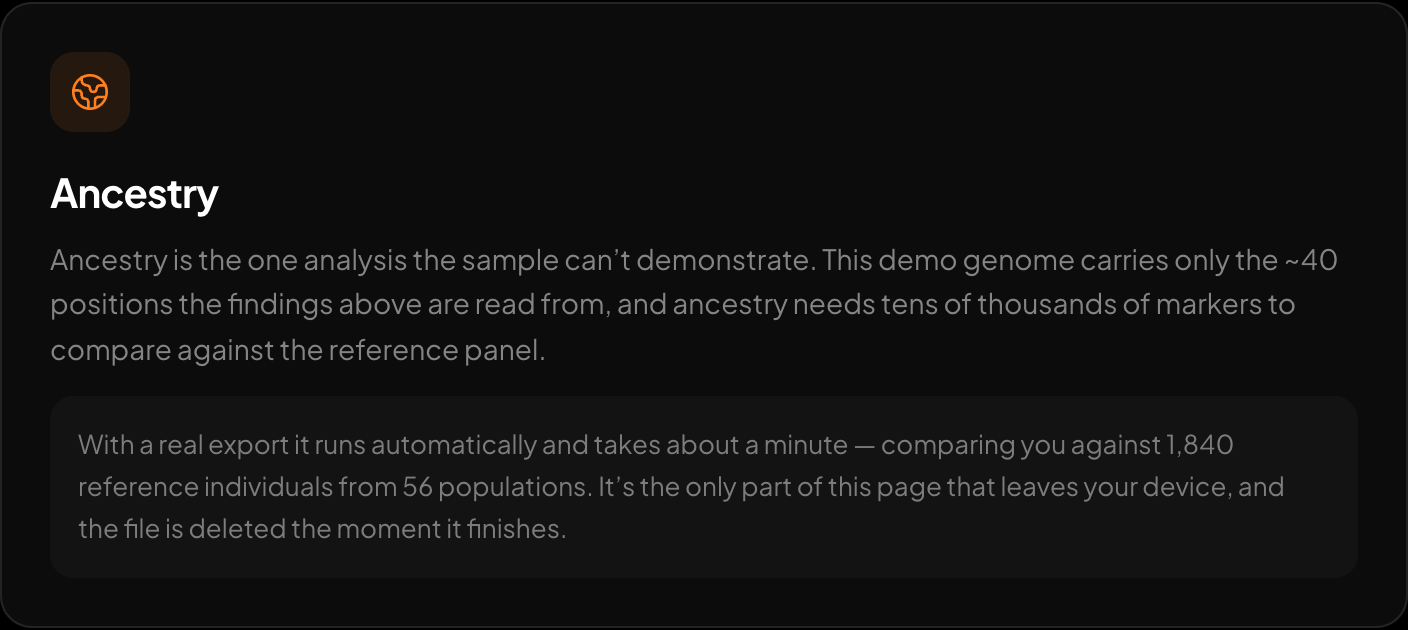
Ancestry against 1,840 reference genomes.
To see how your own raw file behaves, the free DNA tool at https://healthosx.com/dna reads 23andMe, AncestryDNA, MyHeritage and whole-genome VCF files in the browser for trait and health reporting. The optional ancestry breakdown may use server processing. If a genotype feels inconsistent, seeing it alongside the report turns the strand question into something you can check against your own numbers.
New to raw DNA files? Start with the full guide: How to Download & Analyze Your 23andMe Raw Data Free
Written by
HealthOS Research