Why Did My AncestryDNA Results Change So Much in the New Update
AncestryDNA results shift after updates because reference panels, region definitions, and model thresholds can change. A big change is an estimate revision, not a new family fact.
Your results likely changed because the estimate was recalculated with a different reference panel or model settings. Updates can also revise region definitions and how conservatively small segments are assigned. A large shift after an update is usually an estimate revision, not a new fact about your family.
Why did my AncestryDNA results change so much in the new update?
Ancestry estimates generally compare your DNA with reference populations made up of living people whose reported ancestry is from particular regions. When a reference panel grows, or when a region moves into a different reference group, the same stretch of your genome can move from one label to another.
Reference panel changes are often the main influence. An estimate does not read a label in your genome that says "Scotland 30%". It asks which present-day reference population each piece of DNA looks like. For example, adding more people from one area to the panel could make some of an "England and Northwestern Europe" estimate shift to "France". Removing a subset could make it shift back.
Model thresholds and region definitions matter too. If the threshold for assigning small segments changes, or if region boundaries are revised, a small region can be absorbed into a larger region, or a modest region can grow without any new ancestor.
Hypothetical illustration only, not real AncestryDNA data or a typical update. Actual shifts vary by person.
If your report shows a range or confidence interval, an update often changes the centre of that range. If your report shows a wide range, treat the headline number cautiously.
An ethnicity percentage is a model output, not a measurement. Same file, different reference panel, different number.
When a bigger shift is more than an update artifact
Most large shifts are still the update. But a genuine signal can become clearer when the panel improves. Look for three things:
- If your report shows a range, look for a narrow range rather than a point estimate hanging over a wide gap.
- It survives multiple updates, including when the panel splits or renames regions.
- It lines up with known relatives or paper trail, not with a modern country border.
For example, if a new region appears at 20% with a tight range, treat it as a stronger candidate, but still check stability, ranges, and records. If a 2% region changes name every update, treat it as noise.
Genetic ancestry is not modern nationality
A common mistake is reading "Germanic Europe" as Germany, or "England and Northwestern Europe" as England. Reference populations overlap across borders. People in northern France, Belgium, western Germany and England share a lot of DNA. The algorithm assigns a likely region, not a passport.
An update can split a broad region into smaller modern countries. The total might not change, but the label does. For example, if a broad region disappears and a smaller region appears, that is a label change, not proof of a new ancestor. It is a new filing system.
Does this mean my previous results were wrong?
No. The previous estimate was built with one reference panel and one set of model settings. The new estimate is built with another. Both are estimates of the same raw file. Your DNA did not change, and neither did your family tree.
This matters if you made decisions from the old numbers. For example, a 6% Scandinavian region that made you assume a specific Viking ancestor could become 0% or 12% in the next update. The algorithm is weighing the same weak signal differently.
What to do with your new AncestryDNA numbers
- If your report shows a range or confidence interval, look at it first, not just the headline percentage.
- Track whether a region persists across updates.
- Compare with a second tool that uses a different reference panel, if you want to know which regions are stable across methods.
- Use the paper trail for recent ancestry. Ethnicity estimates are broad, and records are better for recent generations.
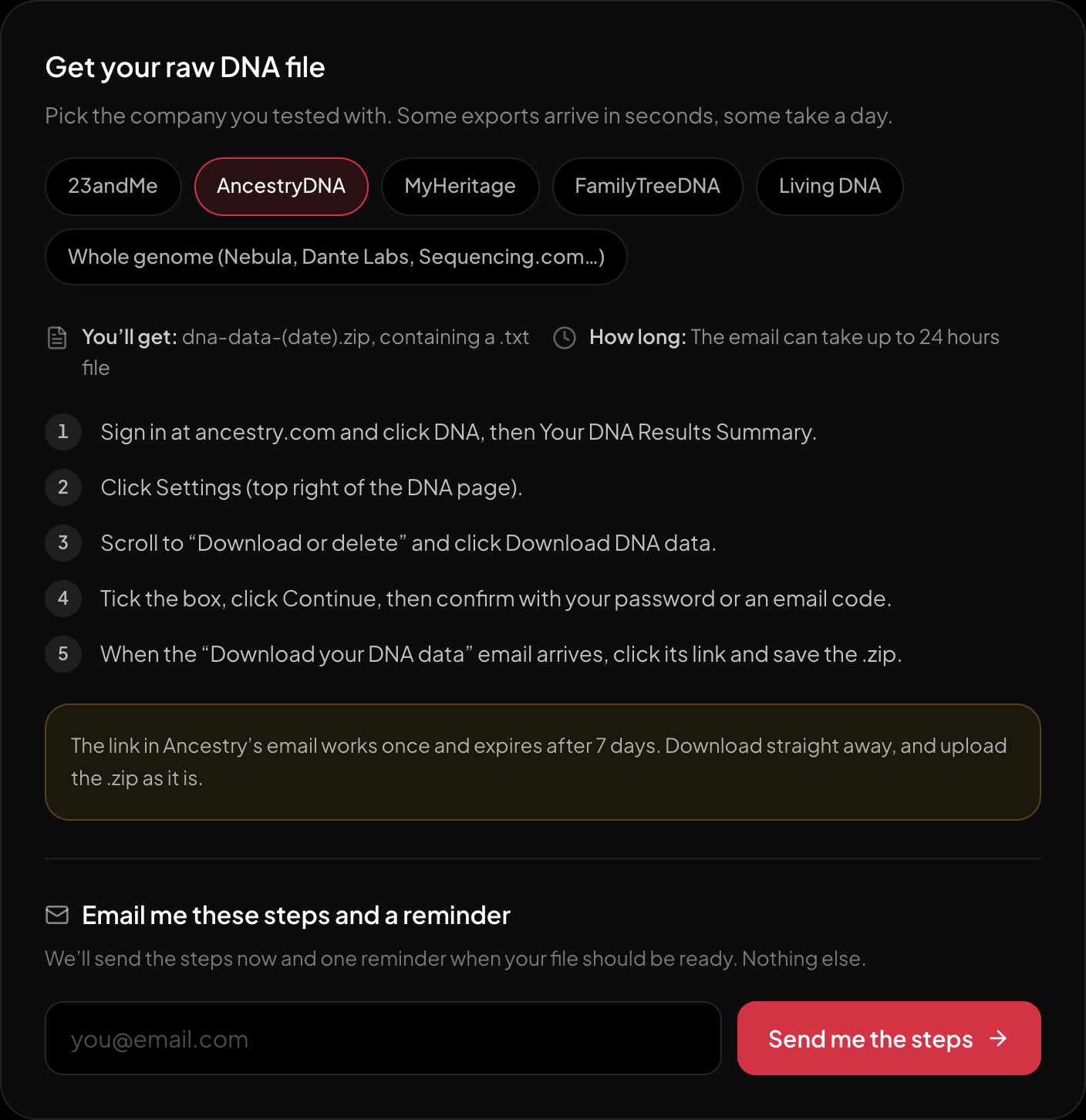
The download steps for AncestryDNA, on the page itself.
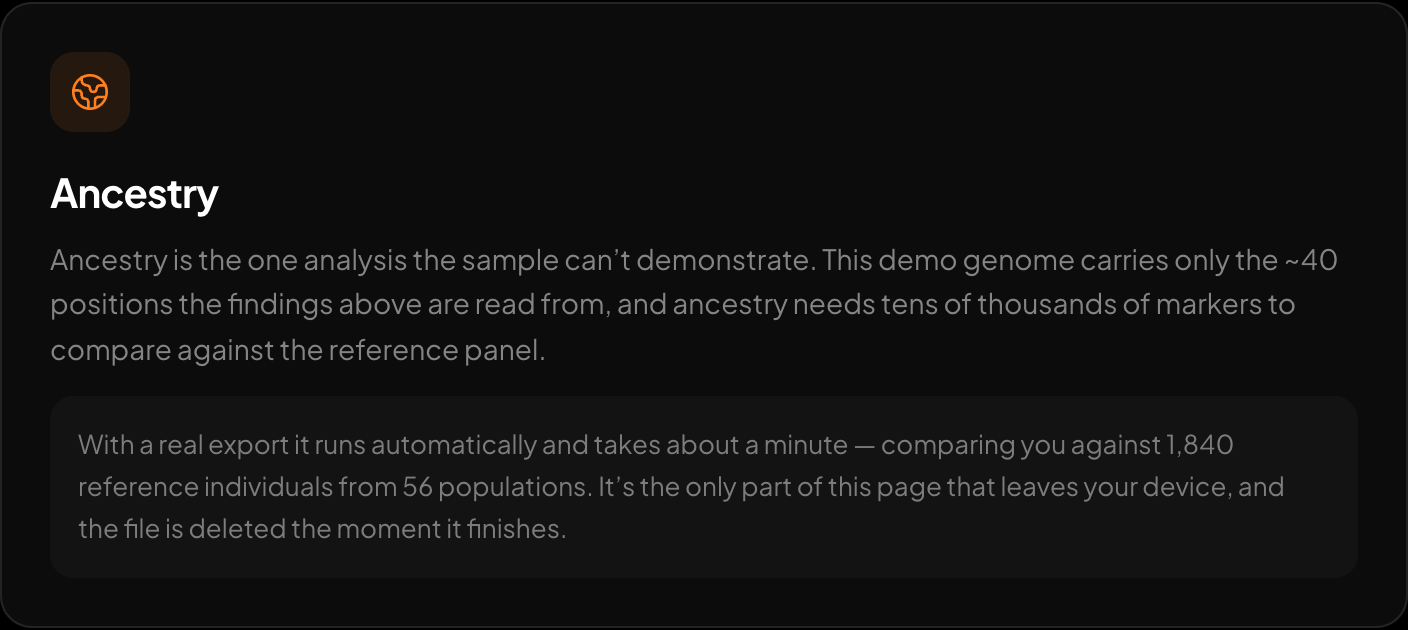
Ancestry across 15 regions and 157 reference populations.
If you want to see your own numbers without waiting for the next Ancestry update, upload your raw AncestryDNA file at https://healthosx.com/dna. The free tool parses the file in the browser for the trait and health story. The ancestry report is optional, server-side, and runs only with explicit consent. It sends only the markers needed and is deletable. HealthOS ancestry uses the AADR Human Origins reference panel and reports proportions across 15 regions. It cannot tell you why an AncestryDNA result changed; it can only provide a separate ancestry estimate from a different reference panel. It is not an AncestryDNA update, and the regions may not match.
New to raw DNA files? Start with the full guide: How to Download & Analyze Your 23andMe Raw Data Free
Written by
HealthOS Research