How Do I Download My Raw DNA Data From AncestryDNA and Why Is the Confirmation Email Not Arriving
Where the AncestryDNA raw data download is, why the confirmation email goes missing, what the zip holds, and whether you need to unzip it.
You download AncestryDNA raw data by signing in, opening your DNA results, choosing Settings, then Download RAW DNA Data, and confirming through a link Ancestry emails to you. That email is the step that goes wrong: it lands in spam, goes to an address you no longer use, or the link has lapsed. What you end up with is a zip holding one tab-separated .txt file.
How do I download my raw DNA data from AncestryDNA
Use a computer browser.
- 1.Sign in at ancestry.com, open Account Settings and confirm which email address is on file. Do this first, before you press Download, because the confirmation email goes to that address.
- 2.Open the DNA tab, then DNA Results Summary.
- 3.Choose Settings on the right of that page.
- 4.Find Download RAW DNA Data and press the button beside it.
- 5.Enter your account password and tick the box confirming you understand the privacy warning.
- 6.Press confirm. Ancestry sends an email to the address on the account.
- 7.Open that email and press the confirm button inside it. The download starts, and the file is a zip with a name along the lines of dna-data plus the date.
After you confirm, the download is ready right away. It does not cost anything and does not need a subscription.
Only the test owner or a manager can download raw data. Collaborators and viewers cannot. If someone else set the test up and shared the results with you, the download will not be in your Settings, and the owner or a manager has to do it.
Why the confirmation email is not arriving
The email is a second confirmation step on top of your password. It goes to the address stored on the Ancestry account, not whatever you are using today. That single fact explains many missing emails, and it is why step 1 above is a check to do in advance.
| How to tell | What to do | |
|---|---|---|
| Spam or promotions folder | Search the whole mailbox for Ancestry | Mark as not spam, press the link |
| Old address on the account | Account Settings shows an address you no longer read | Update the email in account settings, then request again |
| Work or school filter | Company mail only, personal works | Use a personal address |
| Link expired | Email found but the link refuses | Request a new download and use only the newest email |
Scroll the table sideways for the rest →
Common causes, with the check and the fix for each.
Give it several minutes before assuming it failed. Search the whole mailbox for the word Ancestry, not just the inbox, because Gmail's Promotions tab and Outlook's Other folder swallow these. If you are on a work address, a mail filter that rewrites or quarantines links can kill it silently, so use a personal one.
The link also expires. The email states how long the link lasts. Ancestry currently says 7 days, but trust the email in front of you. An expired link is not repairable. Go back to Settings and start again, and use the newest email only.
If the email still never arrives after you have checked spam, confirmed the address on the account and requested a fresh download, contact Ancestry Member Services.
The confirmation email goes to the address on the Ancestry account, so check that address before you blame the email.
What is inside the zip
One text file, tab-separated, with a block of comment lines at the top starting with #. Below that, one line per position the chip reads, roughly 700,000 of them. That sounds like a lot and is not: the human genome is about 3 billion letters, so you are holding a sparse sample of it, chosen because those positions vary between people.
| Column | What it holds |
|---|---|
| rsid | The marker's name, usually rs followed by a number |
| chromosome | 1 to 22, then 23 (X), 24 (Y), 25 (pseudoautosomal), 26 (mitochondrial) |
| position | The base-pair position on the GRCh37 build |
| allele1 | The first letter you carry there (A, C, G, T, or 0 for no-call) |
| allele2 | The second letter you carry there |
Tab-separated, one line per position. Expect roughly 700,000 rows, an approximate count that depends on the chip version. 23andMe files put both alleles in one column, so tools have to handle both layouts.
Three details trip people up. Chromosomes 23 and 24 are X and Y, 25 is the pseudoautosomal region and 26 is mitochondrial DNA. A genotype of 0 and 0 is a no-call, meaning the chip could not read that position, not that you carry nothing. And the coordinates follow the older GRCh37 build, which matters if you ever feed the file into a tool that expects a newer one.
What is not in it: your match list, your ethnicity estimate, your family tree. Those live on Ancestry's servers and do not export with this file.
If you are unsure whether your file is intact, you can check it at healthosx.com/dna/check.
Do I need to unzip it first
Often no. Many tools, including healthosx.com/dna, accept the zip directly, though some want the .txt inside. Try the zip first, and if a tool asks for the .txt, unzip a copy and leave the original alone. The common mistake is opening the .txt in Excel and saving over it. Saving as .csv or another format swaps the tabs for commas and can add quotes, and Excel may also drop or mangle the # header lines. Work from copies.
Keep a copy before deleting anything
Ancestry lets you delete your DNA results and ask for the physical sample to be destroyed. Deleting is the right call for some people. But it is a one-way door, and the raw file is the only portable thing you get out. Download it first, check it opens, and then decide.
- Keep two copies, one on a drive you control and one somewhere independent of it.
- Treat it as identifying. It is you, permanently, and unlike a password it cannot be changed.
- Do not email it to yourself or park it in a shared folder.
The file is also not a medical record. It tells you which letters sit at about 700,000 places and nothing about whether those letters are doing harm to you. Interpreting them is a separate step, and what any finding means for you is a question for a clinician or genetic counsellor.
Where to take the file next
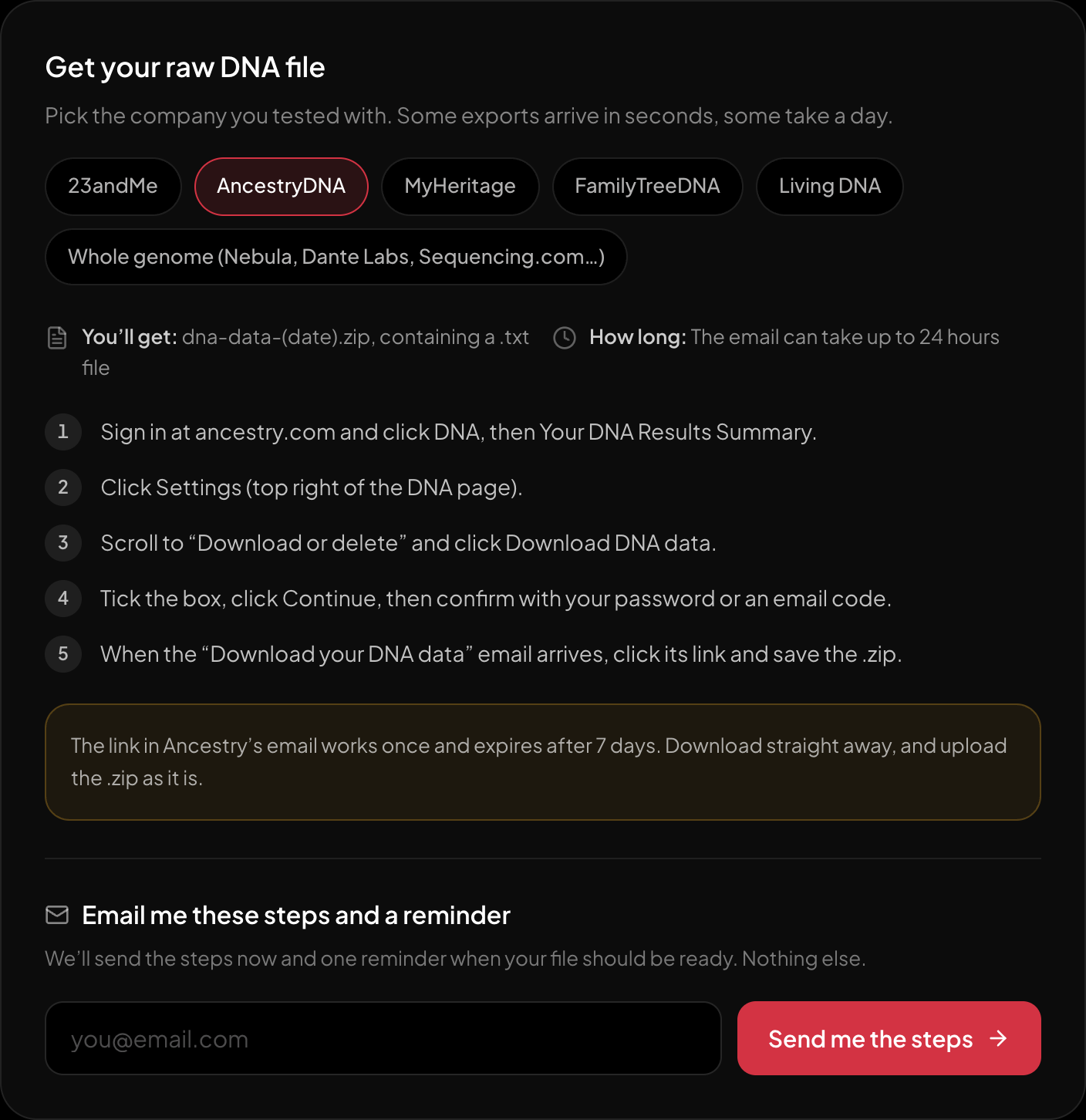
The download steps for AncestryDNA, on the page itself.
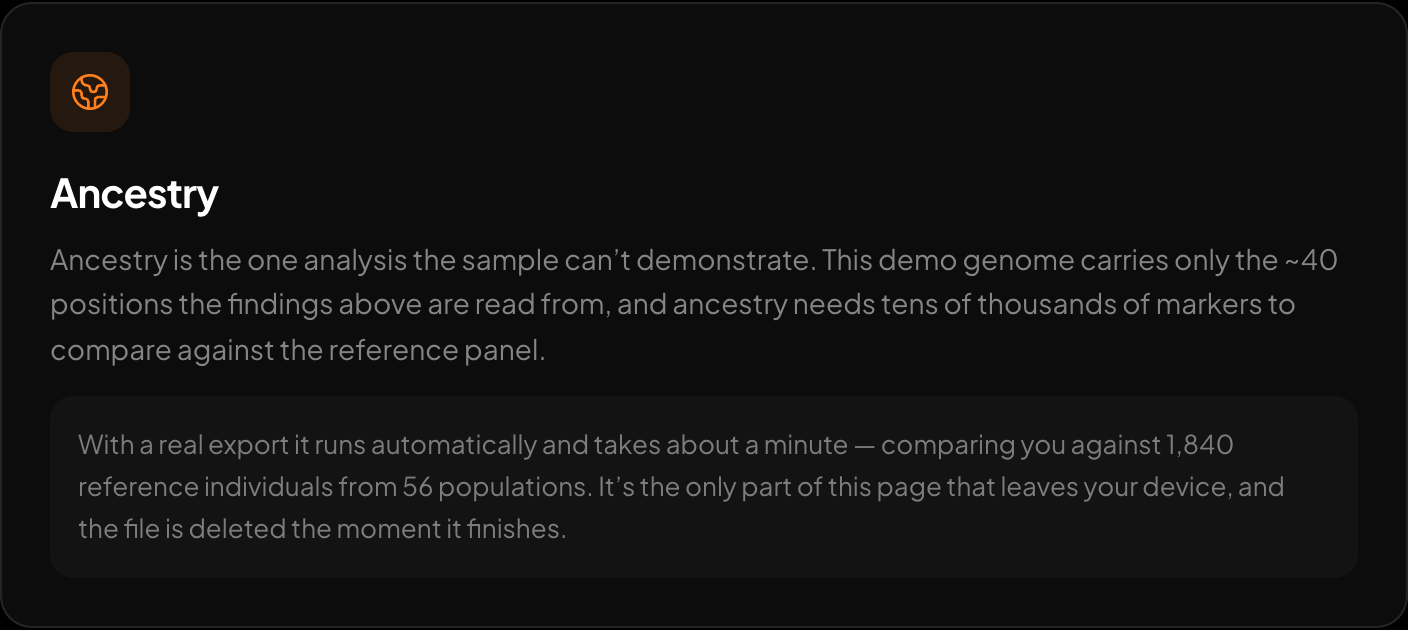
Ancestry across 15 regions and 157 reference populations.
Once you have the zip, you can read it yourself with the reader at healthosx.com/dna, which accepts the AncestryDNA .zip or .txt directly and parses it in your browser. The trait and health story shows with no email, and the full report opens after a one-time email code. Genetic ancestry is optional: it runs on the server only if you consent, and only the markers it needs are sent. If you would rather see what comes back first, a sample report is there too.
New to raw DNA files? Start with the full guide: 23andMe Raw Data Interpretation Free in Your Browser
Written by
HealthOSX Research