How to Convert 23andMe Raw Data to AncestryDNA Format
Split the 23andMe genotype column into two allele columns, strip # comment lines, and write the AncestryDNA header.
To convert a 23andMe raw data file to AncestryDNA format, split the genotype column into two single-character allele columns and rewrite the header. A 23andMe row rs4477212 1 82154 AG becomes rs4477212 1 82154 A G in AncestryDNA layout. Strip every # comment line, write rsid chromosome position allele1 allele2 as the first line, and write 0 0 for a no-call.
The conversion is a shape change. It rearranges columns, it does not add missing markers, and it moves coordinates only if you also change the reference build.
How do I convert my 23andMe raw data to AncestryDNA format?
The operation is the same by hand or in a browser: - Open the raw .txt file, or a .zip containing it. - Remove every line that starts with #. The 23andMe header line is included in that. - Write the new header rsid chromosome position allele1 allele2 with tab separators. - Copy the rsid and chromosome values exactly. Copy position exactly only when the 23andMe file and the target tool use the same reference build. 23andMe v4 uses GRCh37/hg19, so it can usually copy to an hg19/GRCh37 AncestryDNA-style file. 23andMe v3 uses GRCh36/hg18, so liftOver to hg19 first. 23andMe v5 uses GRCh38, so liftOver to GRCh37 only if the target tool assumes GRCh37; if it accepts GRCh38, keep the v5 positions. - Split the fourth column. Two characters such as AA, AG or CT become two columns. - Save as tab-separated text, usually called ancestrydna.txt.
The HealthOS DNA converter at https://healthosx.com/dna/convert is listed for converting to another layout such as AncestryDNA, MyHeritage or PLINK. A build-aware converter can handle the v3 hg18 to hg19 and v5 GRCh38 to GRCh37 cases for you; if the current tool description does not list build conversion, use UCSC liftOver before the column mapping.
The exact column mapping
The rsid and chromosome columns are copied, not recalculated. The position column is copied only when the reference build matches; if you liftOver v3 or v5 positions, those coordinates are recalculated. The only unconditional shape change is in the genotype column.
| 23andMe field | AncestryDNA field | What to do |
|---|---|---|
| rsid | rsid | Copy exactly |
| chromosome | chromosome | Copy exactly |
| position | position | Copy only if the reference build is the same; otherwise liftOver first |
| genotype (two characters) | allele1 and allele2 | Split into two columns |
| -- (no-call) | 0 and 0 | Replace the two-dash string with two zero values |
| I or D (indel) | I or D | Split and keep the same letters; do not translate to a base |
Scroll the table sideways for the rest →
The first two columns are copied; position is copied only when the reference build matches, with v3 hg18 to hg19 and v5 GRCh38 to GRCh37 lifts when needed; the genotype column changes shape.
A normal call such as rs3094315 1 752566 AG becomes rs3094315 1 752566 A G. A no-call -- becomes 0 0. An insertion/deletion call ID becomes I D.
Comments, no-calls and indels
Two details trip people up: how to handle -- and what to do when an allele is not a base letter.
- Comments. 23andMe files start with many
#lines, including the header. AncestryDNA files have no such comment block. Skip all of them and do not write them. - No-calls. 23andMe writes a failed genotype as
--. In a two-column layout that becomes0and0. Some tools also accept-and-, but0is the safer canonical value. - Indels. 23andMe encodes insertions and deletions as
IandD. SplitIDintoIandD. Do not translateDto-or to the reference base unless the tool you are feeding has a stated requirement.
When positions can stay as-is
Positions can stay as-is when the 23andMe file and the tool expecting AncestryDNA format both use the same reference build. 23andMe v4 raw files are on GRCh37/hg19, which is also the usual AncestryDNA coordinate system. In that case, do not add or subtract from position; copy it.
23andMe v3 is different. It uses GRCh36/hg18. A strict AncestryDNA import that assumes GRCh37 will misplace rsIDs if you feed it raw v3 coordinates. Convert v3 positions with liftOver from hg18 to hg19 before writing the AncestryDNA columns.
23andMe v5 is also different. It uses GRCh38. A strict AncestryDNA import that assumes GRCh37 will misplace rsIDs if you feed it raw v5 coordinates. Convert v5 positions with liftOver from GRCh38 to GRCh37 only when the target tool assumes GRCh37. If the target tool accepts GRCh38, keep the v5 positions as-is.
A manual liftOver path is: write a BED-like file with rsid, chromosome, start and end for each marker, run UCSC liftOver with the matching chain file such as hg18ToHg19 for v3 or hg38ToHg19 for v5, then join the mapped positions back to the rsIDs before writing the final AncestryDNA columns.
Will the converted file work in other tools?
Usually yes, for tools that accept tab-separated raw genotype files. What the conversion will not do is add markers. A 23andMe chip tests different SNPs from an AncestryDNA chip, and rearranging columns cannot recover markers that were never called. If a tool rejects the file, the usual causes are a header mismatch, a build mismatch, or a specific marker it requires, not the split itself.
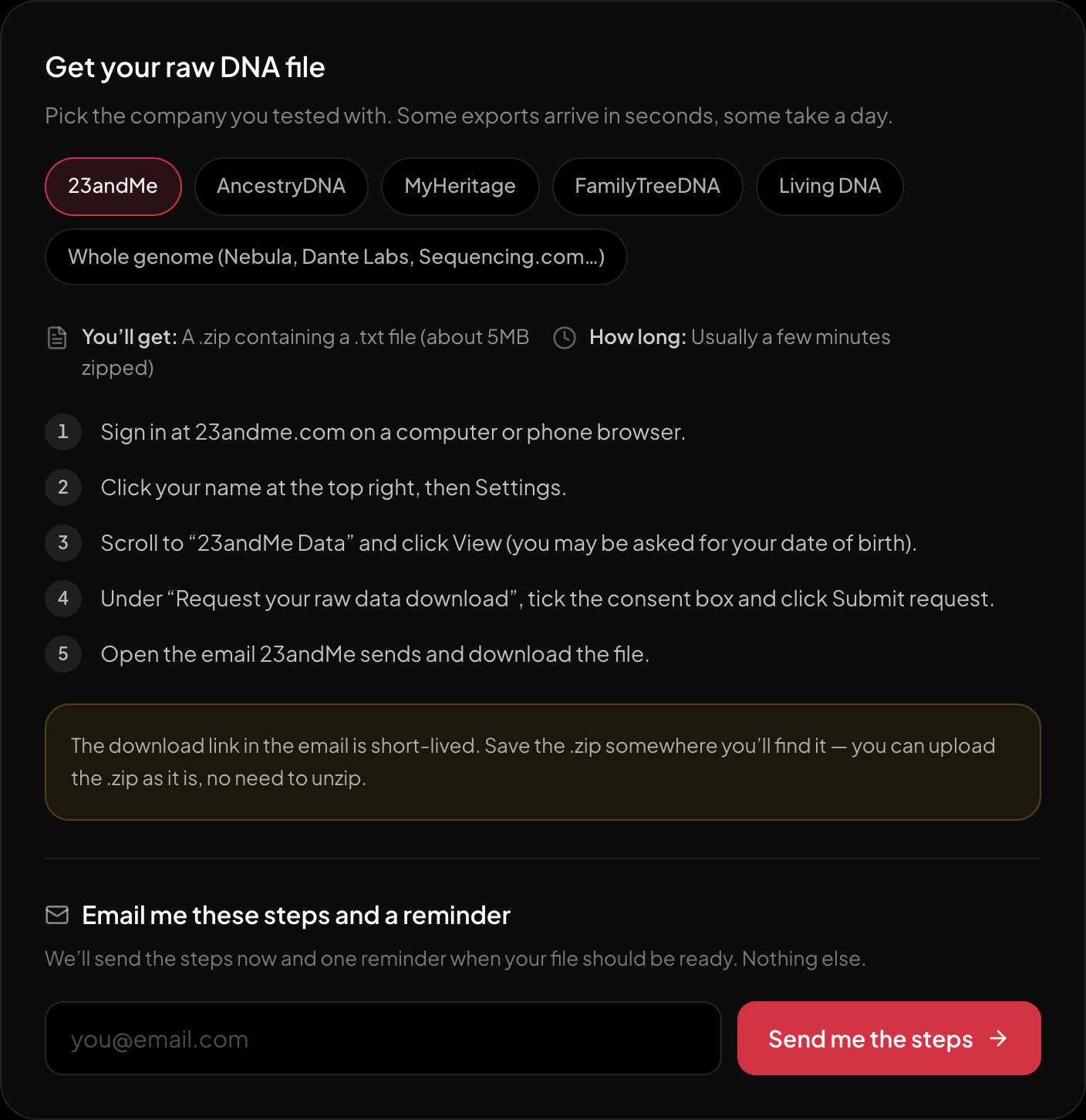
The download steps for 23andMe, on the page itself.
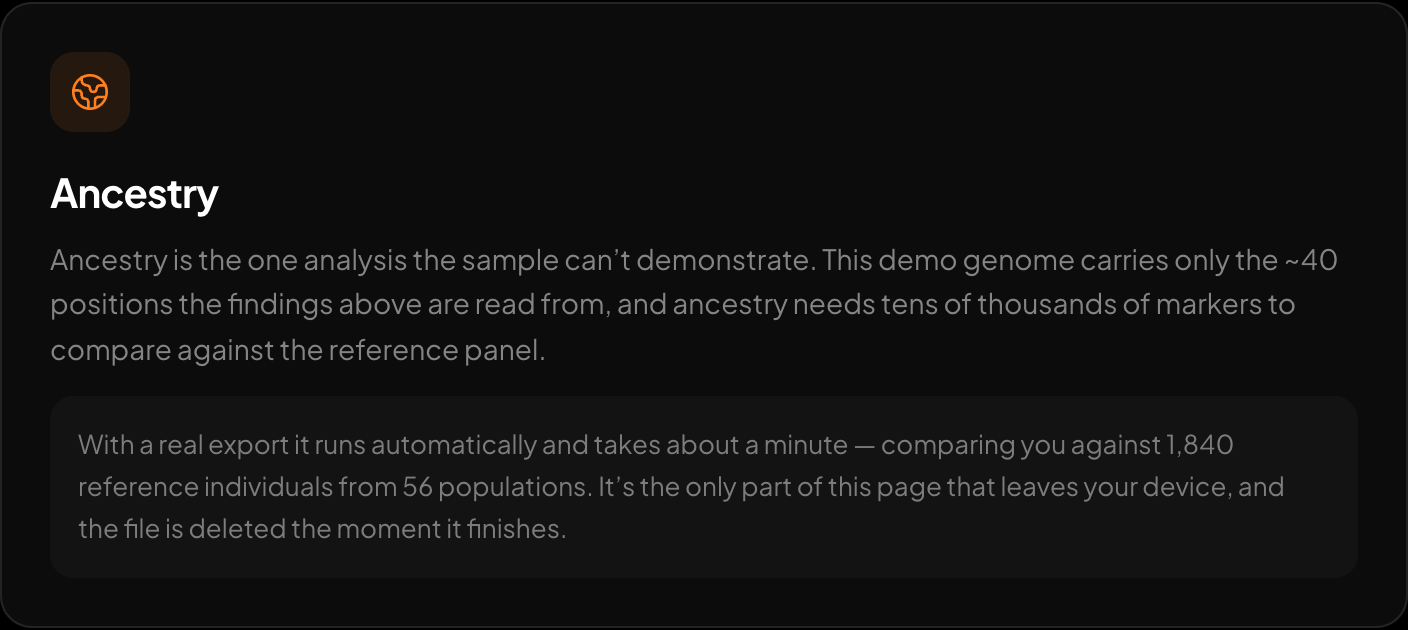
Ancestry across 15 regions and 157 reference populations.
After the file is in the shape you need, the free DNA tool at HealthOS reads raw 23andMe, AncestryDNA, MyHeritage or whole-genome VCF files in the browser and reports traits, medication response and carrier-relevant findings, with optional genetic ancestry at the report stage. That is the faster next step if you actually want to see your own numbers.
New to raw DNA files? Start with the full guide: How to Download & Analyze Your 23andMe Raw Data Free
Written by
HealthOS Research