What Does PASS or LowQual in the FILTER Column of My Whole-Genome VCF Mean
PASS means the caller's filters ran and the variant cleared them. A dot means nothing was filtered. Any other label is defined in your file's own ##FILTER header lines.
In the FILTER column of a VCF, PASS means the variant caller applied its filters and this variant passed all of them. A dot means no filtering was run, and any other label is the name of a filter the variant failed, defined in the file's own ##FILTER header lines. A non-PASS label is a flag about how well the call is supported by the sequencing reads. It says nothing about your health. For most purposes treat LowQual and other non-PASS calls as unreliable and leave them out, but don't silently discard one that lands in a gene you care about.
| FILTER value | What it means | What to do |
|---|---|---|
| PASS | Filtering was run and the site cleared every filter | Reasonable to keep. It is still not confirmation. |
| . | No filtering was applied to this record. In a gVCF, reference blocks usually show a dot too. | Check QUAL, and per-sample GQ and DP, yourself. |
| A filter name such as LowQual | The site failed the named filter | Usually treat as unreliable and leave out. Look closer if it sits in a gene you care about. |
Scroll the table sideways for the rest →
A rough guide. Your file's own ##FILTER lines define any named filter.
FILTER has three states: PASS, a dot, or a failed filter's name
FILTER is the seventh column, after CHROM, POS, ID, REF, ALT and QUAL. The VCF specification gives it exactly three possible states. PASS: filtering was done and this site cleared every filter. A dot: filtering has not been applied to this record. Anything else: a semicolon-separated list of filter names the site failed, so a single variant can carry two labels at once.
The names are not standardised. Whoever built the pipeline chose them, and the file explains them. That is why LowQual in one file and VQSRTrancheSNP99.90to99.95 in another are both just a variant that failed a quality test, worded differently.
A dot is not a pass
A dot does not mean good. It means nobody checked. Raw output from a caller before any filtering step often has a dot on every line, and the variants in it range from rock solid to pure noise.
If your file has dots everywhere, the FILTER column has nothing to tell you, so look at these fields instead:
- QUAL, the sixth column, which is the caller's confidence that a variant exists at the site.
- GQ, the per-sample genotype quality, and DP, the per-sample read depth. Both sit in the FORMAT column and the sample column after it.
You can list them with bcftools query -f '%CHROM\t%POS\t%QUAL[\t%GQ\t%DP]\n' my.vcf.gz. Commonly used rules of thumb are GQ of at least 20 and DP of at least 10. These are rough heuristics, not standards. Sensible cutoffs depend on the sequencing depth of your genome and on what you are using the calls for.
And PASS is not confirmation either. It means the variant survived the thresholds somebody set. Thresholds are a compromise between missing real variants and keeping false ones.
How to find out what your file's labels mean
The file defines its own vocabulary, so ask the file.
- Print the definitions:
zcat my.vcf.gz | grep '^##FILTER'(dropzcatfor an uncompressed .vcf). Each line has an ID and a Description. - Count what you actually have:
bcftools query -f '%FILTER\n' my.vcf.gz | sort | uniq -c. In a typical filtered file PASS dominates and the rest is a short list. - Find the caller: lines starting
##sourceor##GATKCommandLineusually name the software and version, which tells you which filter scheme to expect. - Keep only passing calls when you need to:
bcftools view -f PASS,. my.vcf.gz. Think about whether you want the dots in or out before you run it.
If a label shows up in column 7 but has no ##FILTER line, the header is incomplete. That is a file problem, not something about you.
Per-sample FT fields and gVCF files
Column 7 is not the only place a filter status can live. A per-sample FT field in the FORMAT column can carry its own filter status for that sample's genotype, separate from the FILTER column. A line can show PASS in column 7 while the sample's FT says otherwise, so check FORMAT when the field is present.
If your file is a gVCF, it also contains reference blocks that describe stretches where no variant was seen. GATK marks them with <NON_REF>, while DeepVariant and bcftools gVCFs use <*> instead. Their FILTER is usually a dot. That is normal for a gVCF and does not mean those blocks are unchecked variants. Check whether your file name ends in .g.vcf.gz or the ALT column shows <NON_REF> or <*>.
Why the names differ between callers
Different software asks different questions, so the failures get different names.
| Label | Where you see it | What it means |
|---|---|---|
| LowQual | GATK-style output | The site's QUAL was under the calling threshold |
| VQSRTrancheSNP99.90to99.95 | GATK with VQSR | The site fell in a tranche above the chosen sensitivity cutoff, so it failed. Boundaries follow the pipeline's tranche list. |
| QD2 (example name; your pipeline may differ) | Pipelines using hard filters | A quality-by-depth value fell below the cutoff the pipeline set, so the site failed |
| RefCall | DeepVariant | The model judged the genotype to be reference, so no variant |
Scroll the table sideways for the rest →
Only named failures are listed. Names depend on the pipeline, so check your own ##FILTER lines.
GATK-style pipelines produce LowQual when a site's QUAL, the confidence that a variant is really there, falls under the calling threshold. Thin evidence, such as low depth or ambiguous read mapping, is a common reason QUAL ends up low. LowQual does not catch strand-pattern artefacts. Those are handled by separate annotation filters on values such as FS and SOR, applied either as hard filters or through VQSR.
GATK pipelines can also produce VQSR tranche labels. VQSR scores every variant with a model trained on known true sites, then sorts the list into tranches by sensitivity level. You choose a sensitivity cutoff, and every tranche above that cutoff fails. The tranche boundaries come from the tranche list the pipeline was run with, so your file may show VQSRTrancheSNP99.90to100.00 instead of the 99.95 split. Neither is a sign that something is wrong. With a cutoff of 99.9 and a split at 99.95, for example, a file can carry both VQSRTrancheSNP99.90to99.95 and VQSRTrancheSNP99.95to100.00. Variants inside the cutoff are marked PASS and get no tranche name. Pipelines that use hard filters instead invent their own names, often built from the annotation and threshold, something like QD2 for a quality-by-depth cut.
DeepVariant is the odd one. Its RefCall means the model looked at a site where the reads differed from the reference, then decided your genotype there is homozygous reference. A RefCall line records a call of no variant rather than a variant that failed.
Should I ignore variants marked LowQual
For interpretation, mostly yes, and the mechanism explains why. LowQual means the site's variant confidence fell below the calling threshold, often because the evidence was thin: low depth or ambiguous mapping. A human genome differs from the reference at roughly four to five million sites, and the trouble is concentrated where reads are hardest to place, in repetitive stretches. A call there with weak support is far more likely to be an artefact than a discovery.
But mostly is not always. Real variants do fail filters, especially in difficult regions, and a PASS call can still be wrong. If a single non-PASS variant sits in a gene you care about, first look at its read depth (DP) and allele balance (AD) with bcftools query -r chr1:123456 -f '%CHROM\t%POS\t%REF\t%ALT\t%FILTER[\t%DP\t%AD]\n' my.vcf.gz, replacing chr1:123456 with the variant's position (the file needs an index, and chromosome names may be written without chr). Very low DP, or an AD that shows only a handful of reads supporting the alternate allele, points to a weak call. Then, whatever you see, don't read meaning into the variant from the file alone. Ask a clinical genetics service whether it is worth confirming with a clinical-grade test.
A non-PASS label tells you how much to trust the call. It tells you nothing about what the variant would mean if it were real.
A clear result is never an all-clear
Screening a VCF for known disease variants can only find what is in the file and in the reference list. Several things sit outside that. Non-PASS calls may have been dropped, including true ones. Short-read sequencing is weak at large structural changes and repeat expansions. And a standard VCF usually lists only sites that differ from the reference, so a missing variant could mean you carry the reference version or could mean the site was never covered well enough to tell. The file does not say which.
A variant absent from ClinVar is also not proven harmless, just unclassified. So a clear result means no such variant was called, which is a narrower statement than being clear of disease.
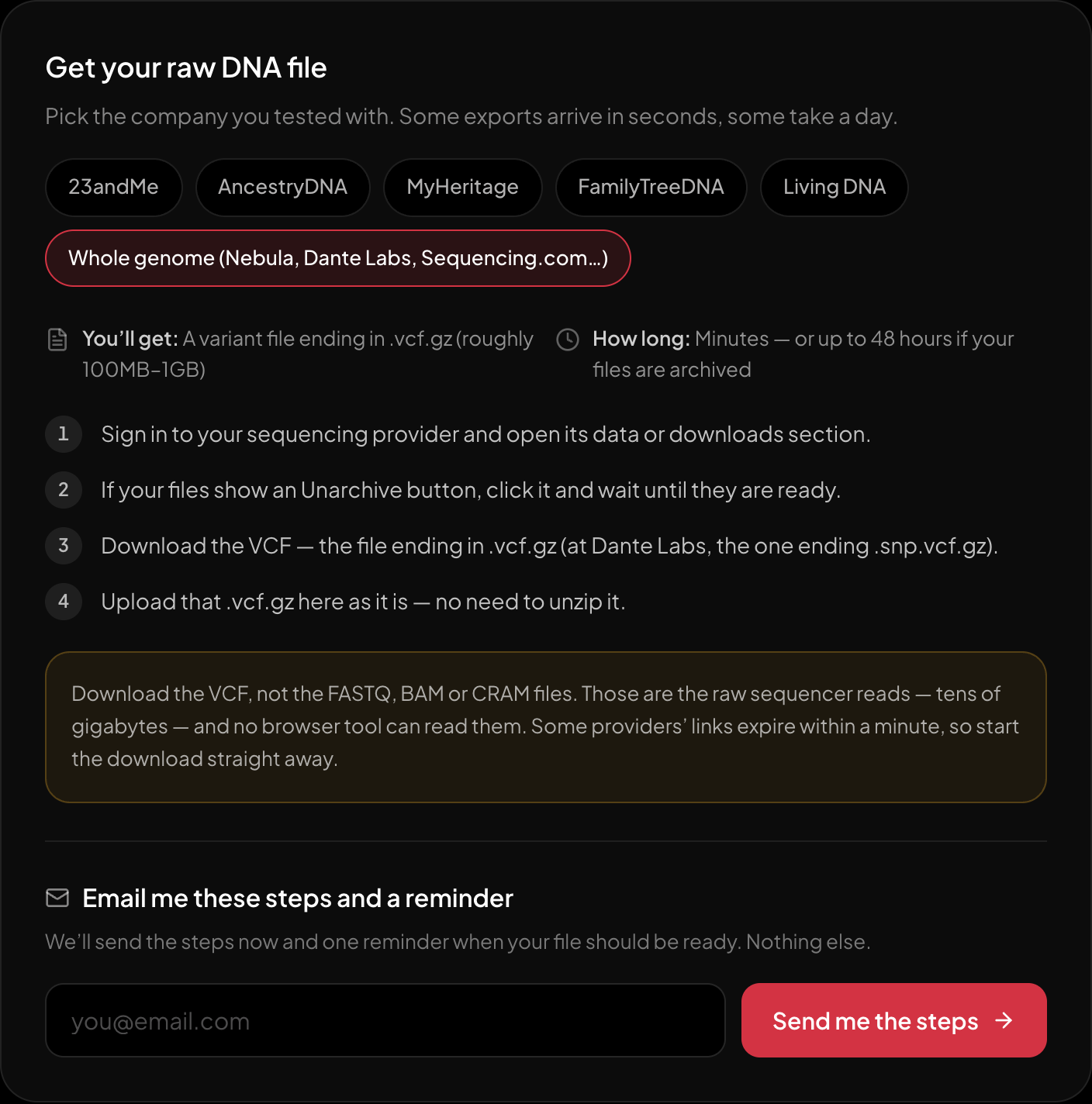
The download steps for whole-genome sequencing, on the page itself.
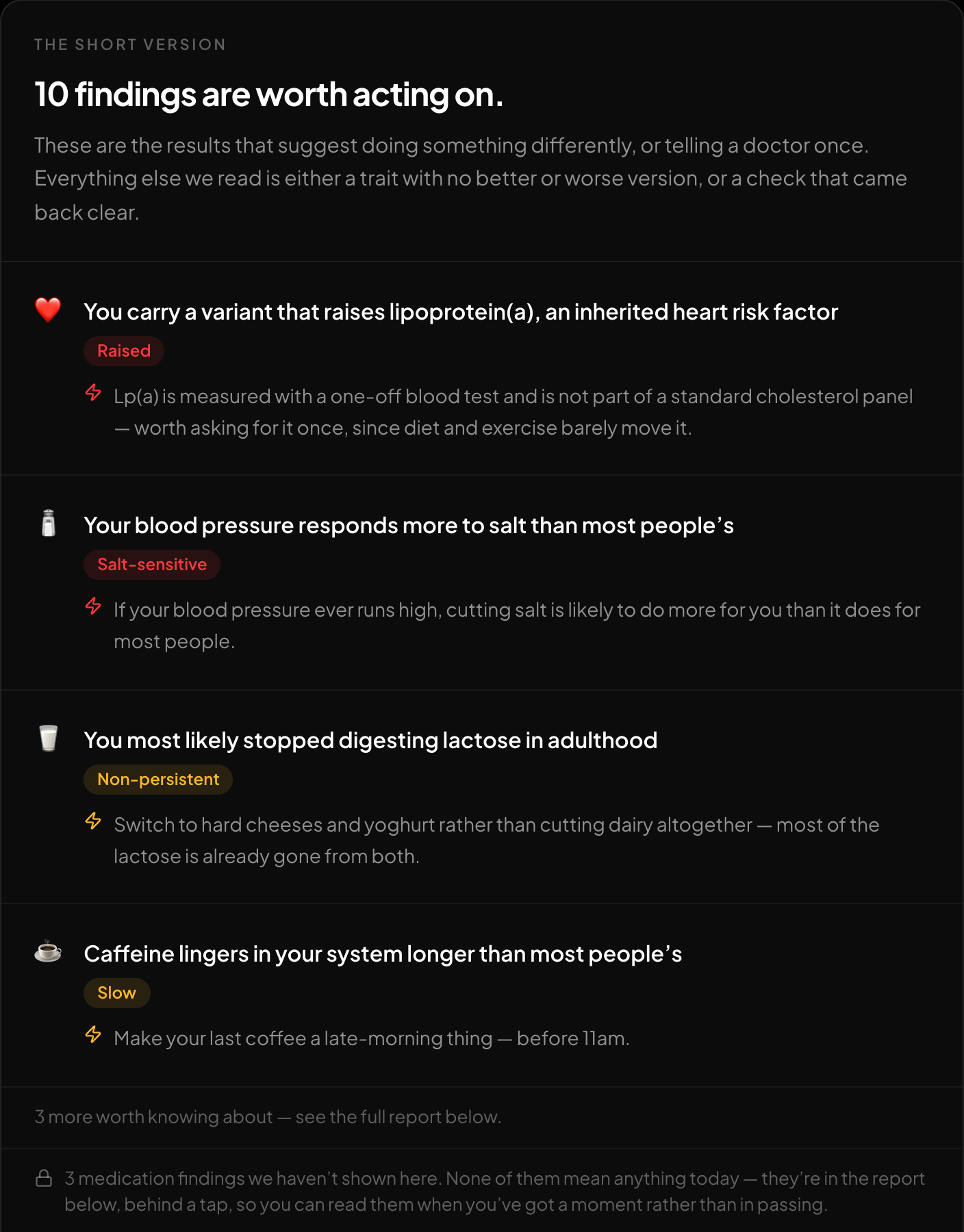
The short version: what is worth acting on, first.
If you want to see what your own file contains, the free DNA tool at HealthOSX reads a whole-genome VCF (.vcf or .vcf.gz) in your browser and screens it against ClinVar for pathogenic and likely pathogenic variants. It also reports traits, medication response and carrier-relevant findings, with an optional ancestry breakdown. One documented limit matters for raw pipeline files. A VCF without rsIDs, such as raw GATK or Sentieon output where the ID column is a dot, still works for ancestry on GRCh37 coordinates but cannot produce the health findings. HealthOSX does not document how its screen handles non-PASS calls, so a hit on a LowQual line deserves the same caution as above. Read its results as a statement about what was called in your file, with the limits above attached.
New to raw DNA files? Start with the full guide: 23andMe Raw Data Interpretation Free in Your Browser
Written by
HealthOSX Research