Why Can't I Find My rsID in My 23andMe or AncestryDNA Raw Data File
If your rsID is missing from a 23andMe or AncestryDNA raw file, the chip almost certainly never tested it. Here is how to tell the causes apart and what to do next.
If you can't find an rsID in your 23andMe or AncestryDNA raw data file, the most likely reason is that the chip never tested that position. These files hold only the several hundred thousand positions the chip was built to read (about 570,000 to 960,000 for 23andMe, depending on the version), out of about 1.1 billion reference SNP IDs in dbSNP, so most rsIDs were never in there to begin with. A missing rsID means "not measured". It does not mean "normal".
The file only holds what the chip was built to read
A consumer raw data file is not your genome. It is the output of a genotyping chip, a slide with a fixed list of probes, each built to read one specific position. Whatever the company did not put on the chip, it did not read, and nothing in the file marks the gap. There is no row saying "not tested". The row simply does not exist.
That is why a search for a well-known rsID from a paper or a blog so often returns nothing. Researchers describe the variants that matter for their study. Chip designers choose variants for ancestry, common traits, imputation coverage and the company's own reports. The overlap is partial.
Chips also change between versions. 23andMe v3 and v4 are custom Illumina OmniExpress designs, and v5 is a custom Illumina Global Screening Array (GSA). AncestryDNA uses its own custom design, and later AncestryDNA files are also GSA-based. Each version carries a different set of positions, so two people can search the same rsID and get a hit in one file and nothing in the other. If you found the position in a different company's file, that company's chip carries it.
You can work out which chip version your file came from. Look at the header comments, the date the file was generated and the row count: v3 has about 960,000 rows, v4 about 570,000 and v5 about 640,000 (all approximate). Then see whether your rsID was ever on that chip. 23andMe does not publish a list of its positions. Illumina's manifest for the base chip is only a partial guide, because the custom content added on top of it is not public. Otherwise, compare against a file from that version, or use the HealthOSX lookup.
Four causes, and how to tell them apart
| Cause | How to tell | What to do |
|---|---|---|
| Chip never tested it (including a different chip version) | Neither the rsID nor its chromosome:position (build 37) is in the file. Work out your version from the header, date and row count (v3 about 960k rows, v4 about 570k, v5 about 640k, all approximate) | Compare against a file from another version or company, or use the HealthOSX lookup |
| Merged or retired rsID | dbSNP names a newer ID, which is in the file | Search the current ID or the position |
| Indel listed under an i-ID | Search chromosome:position (build 37); an i-ID row or I/D genotypes there means it was tested | Read the i-ID row and its I/D genotype |
| Different build or ID format | Position copied from GRCh38, or ID is internal | Convert to build 37 and search again |
Scroll the table sideways for the rest →
Four common reasons a searched rsID returns nothing. Check each one in turn.
Any of these can apply, and more than one can apply at once. Check each before concluding that the chip never tested the position.
Merged and retired rsIDs
The database that issues rsIDs, dbSNP, sometimes finds that two IDs describe the same position. It keeps one and retires the other, which then points to the survivor. A paper from years ago may quote the retired number while your file uses the current one, or the reverse.
The test is cheap. Look up the rsID you have on the dbSNP website. If it was merged, the page says so and names the current ID. Search your file for that one. Then also search by chromosome and position, because the file stores both.
Indels, multi-allelic sites and odd formats
Most chip positions are single-letter swaps. Insertions and deletions are rarer on the chip, and where they appear in a 23andMe file they are written as I and D (genotypes like DD, II or DI) rather than A, C, G or T. Even when an indel has an rs number on the chip, 23andMe often lists the row under an internal ID starting with i instead. A search for the rs number then fails even though the position was tested. Search by chromosome and position instead: the matching row may have an i-ID with I/D genotypes.
Some sites have three or more alleles in the population. The chip reads only two alleles with one probe, so a third allele is invisible or is reported as a no-call. A no-call is a different problem from absence, and the table below shows how each company writes it.
| 23andMe | AncestryDNA | |
|---|---|---|
| Genotype columns | One column, e.g. AG | Two columns, allele1 and allele2 |
| No-call | -- | 0 0 |
| Coordinate build | GRCh37 | GRCh37 |
| X, Y and mito | X, Y, MT | 23, 24, 25 and 26 |
Scroll the table sideways for the rest →
Layouts of the two raw data files and where each draws a blank.
Build matters too. Both files use GRCh37 (build 37) coordinates. A position copied from a GRCh38 source will not match, even though the rsID is the same variant. And a plain text search for rs123 also matches rs1234 and rs12345, so search the whole ID followed by a tab or space.
What a missing rsID does not mean
- It does not mean you carry the reference, "normal" version.
- It does not mean you are negative or clear for the associated condition.
- It does not mean your file is broken. Check the row count: a typical file has several hundred thousand lines.
- A "--" or "0 0" is different again. That row exists, but the chip failed to call it. It is still unknown, not normal.
A missing rsID means the chip never looked. It is not a result.
What to do next
First, confirm the cause:
- Look up the single rsID with the HealthOSX rsID lookup, and use the HealthOSX DNA check to check whether your file is read correctly.
- Search the file for the exact rsID, then for its current ID in dbSNP.
- Search by chromosome and build 37 position. An i-ID row or I/D genotypes there means the position was tested.
If it is truly absent, your options are these:
- Check the other company's file, if you or a relative have one. A different company's chip may carry it. For another version of the same company's chip, work out the version from the header, date and row count, and compare against a file from that version.
- If it is a variant that matters medically, a clinical test of that specific gene is the reliable route, and worth raising with a doctor or genetic counsellor.
- A whole-genome sequencing file covers positions chips skip, though it still needs to be called and annotated properly. Raw sequencing output where the ID column is "." has no rsIDs at all, so you search by coordinates.
Imputation can estimate a missing position from neighbouring variants and a reference panel of sequenced genomes. How well it works is well studied: accuracy is high for common variants that the reference panel covers well, and poor for rare variants. The result is a probability, not a genotype.
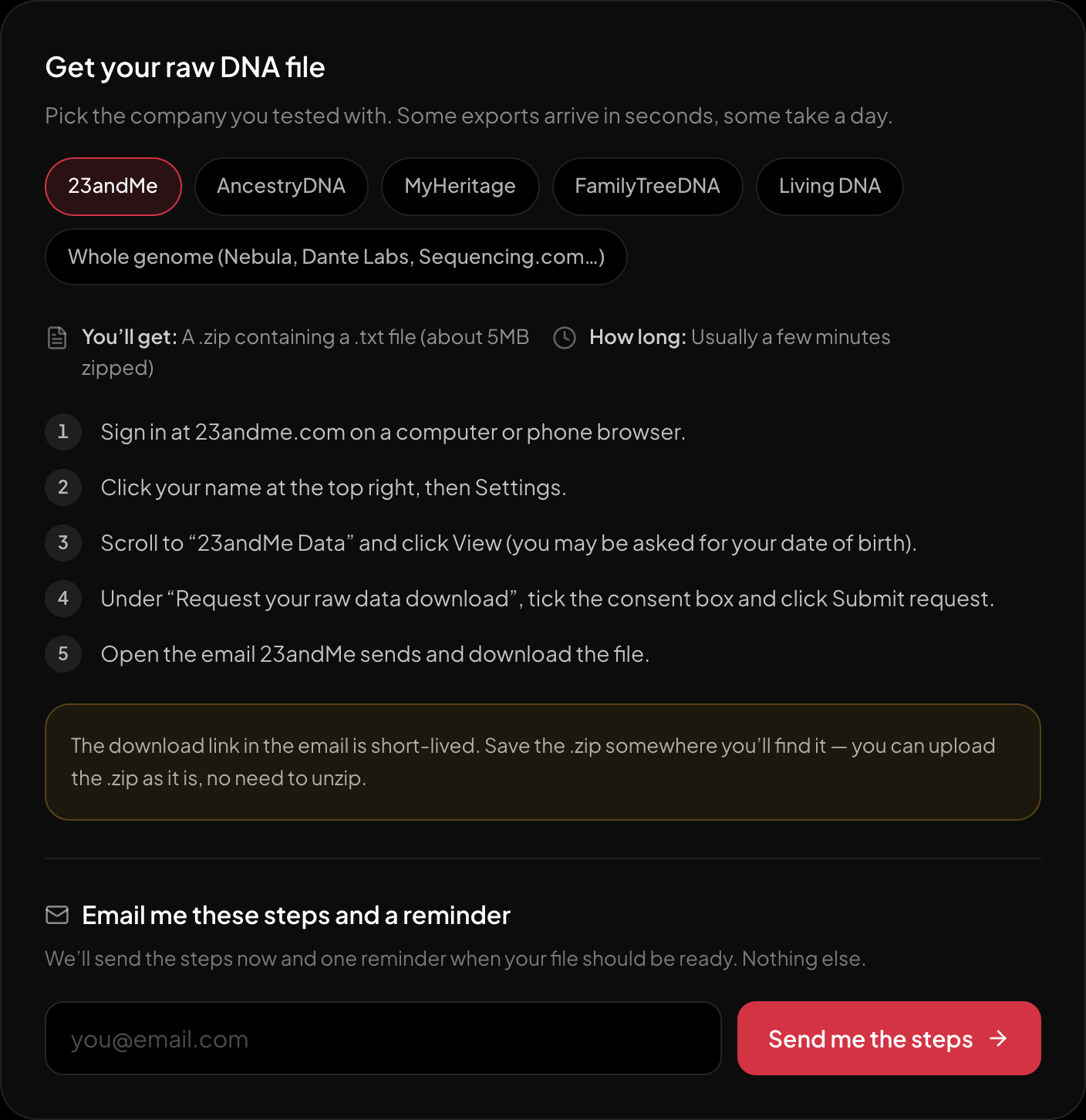
The download steps for 23andMe, on the page itself.
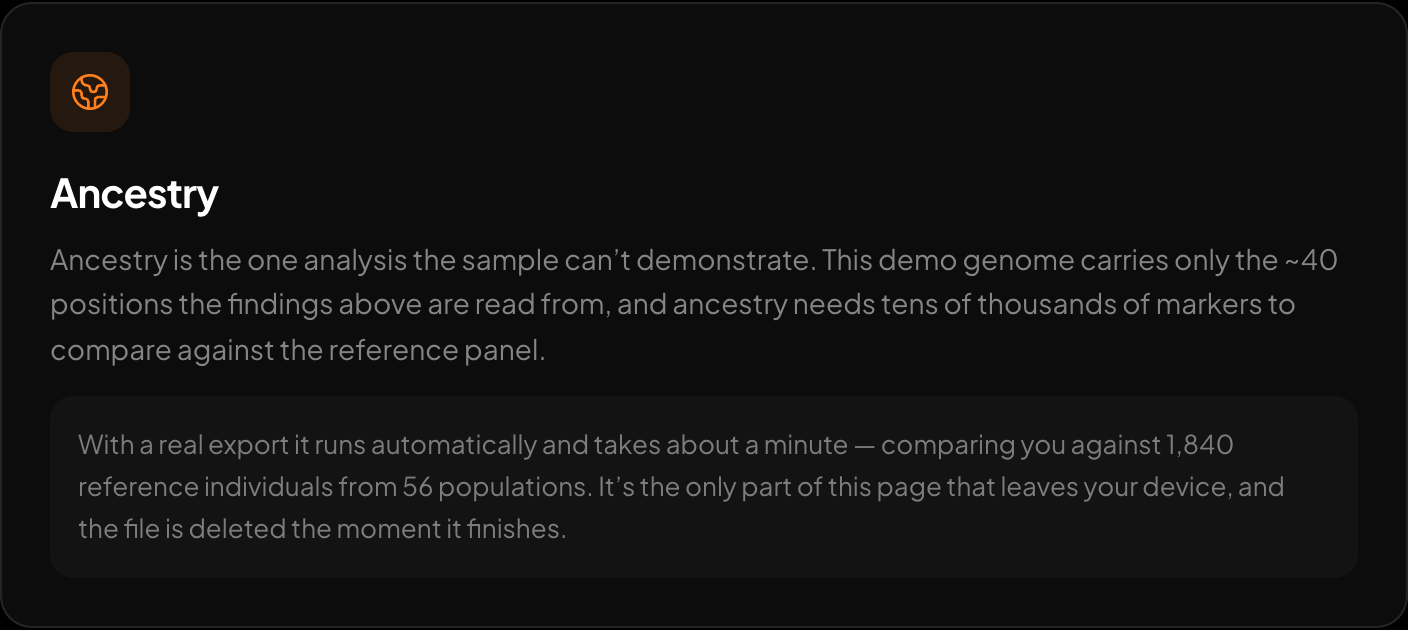
Ancestry across 15 regions and 157 reference populations.
If you want to see which of your variants are actually covered, HealthOSX's free DNA tool reads a raw 23andMe, AncestryDNA, MyHeritage or whole-genome VCF file in your browser and reports traits, medication response and carrier-relevant findings. The report reads the positions in your file; imputation is only in Ask your DNA for readers who store their file, which can estimate other positions against 1000 Genomes. That is a statistical estimate, not a reading.
New to raw DNA files? Start with the full guide: 23andMe Raw Data Interpretation Free in Your Browser
Written by
HealthOSX Research